Online coloring, free and without downloads
Color any of our 482 drawings straight in your browser. Pick a color, click inside a shape, and it fills up to the outlines by itself.
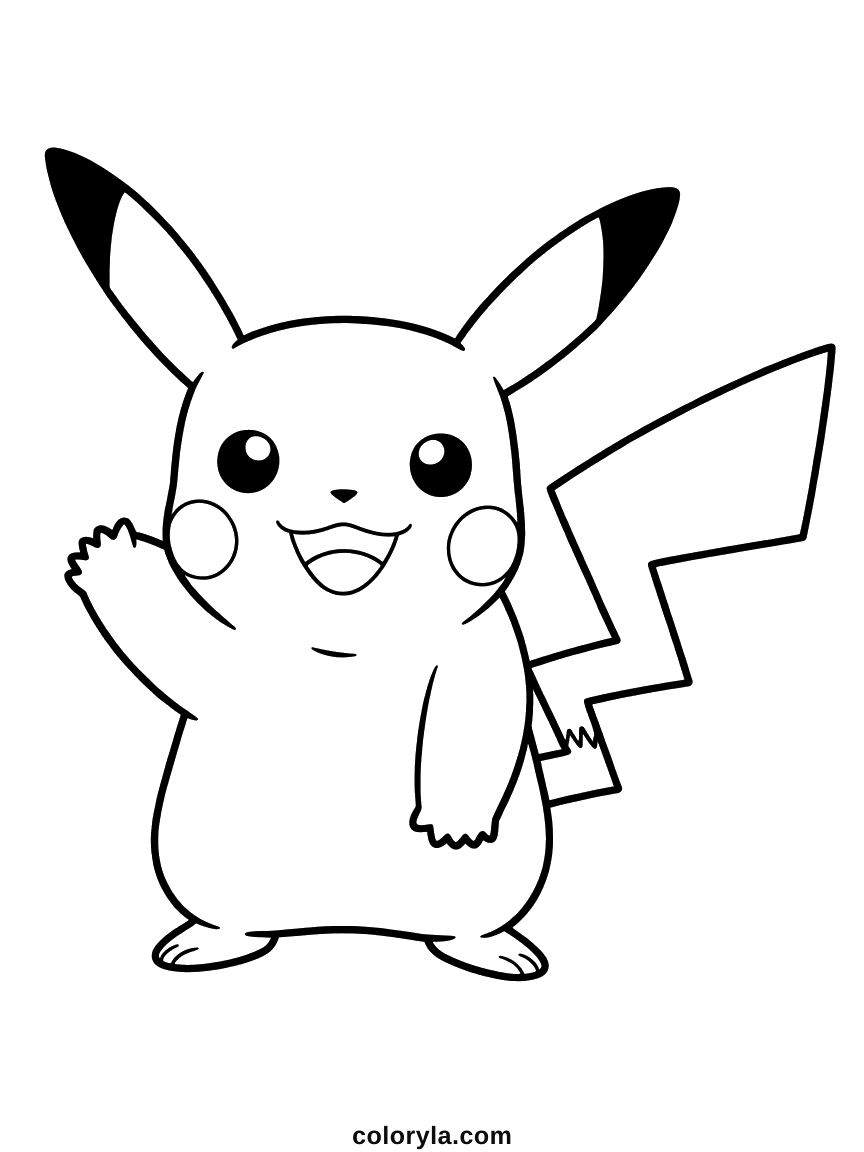
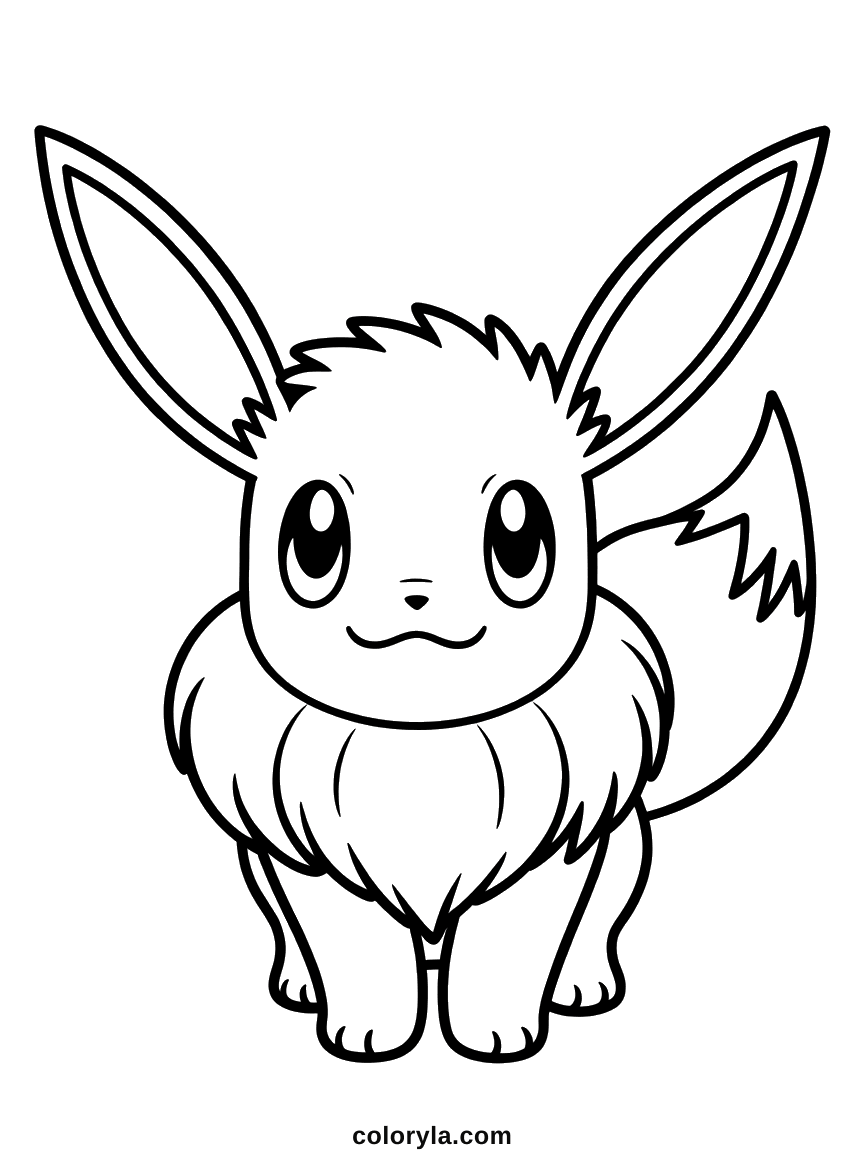
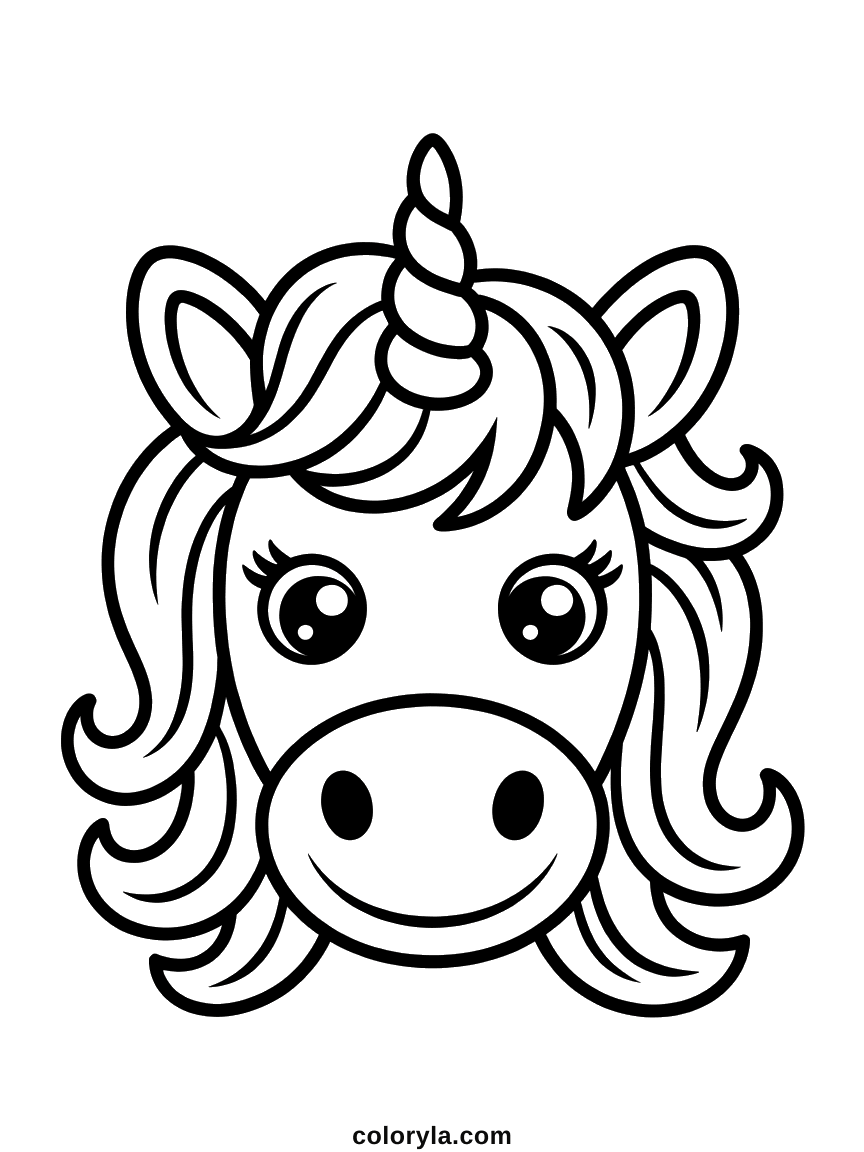
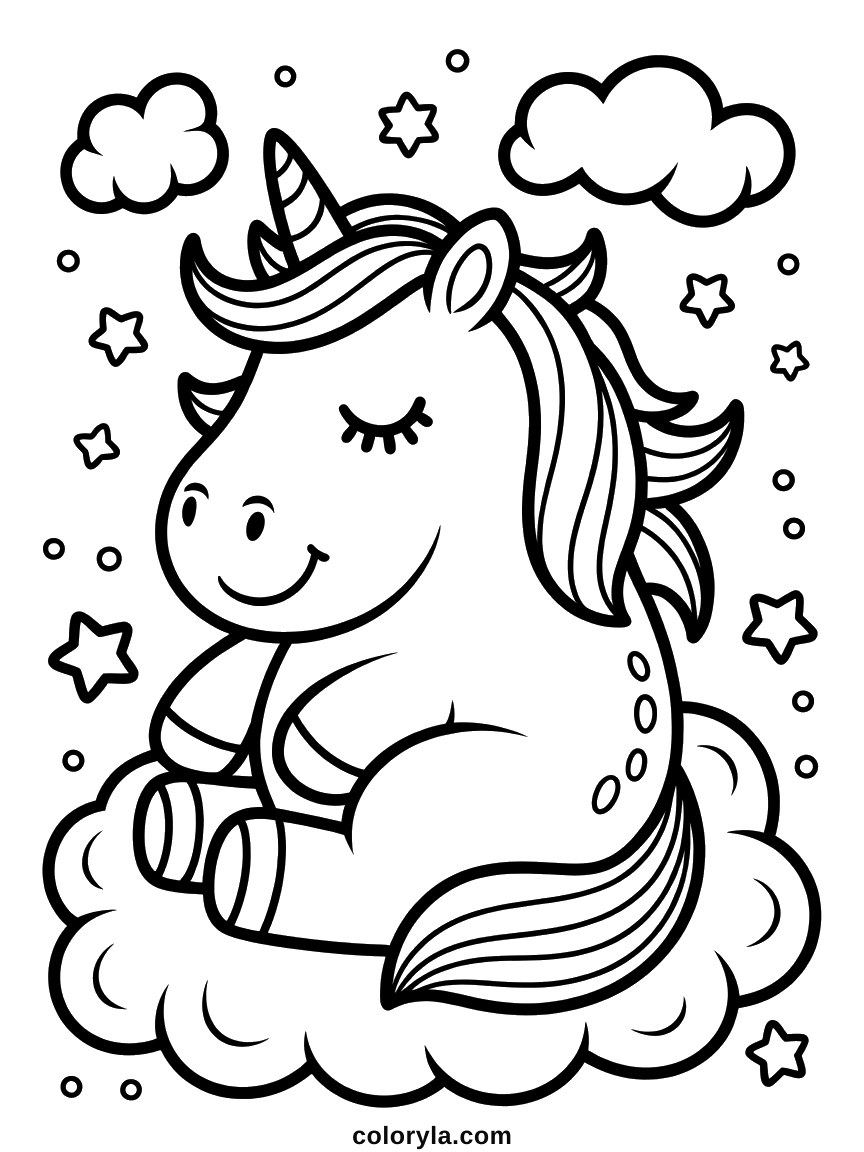
The tool is ready below. Colour the drawing already loaded, or pick another one from the strip underneath.
Loading the drawing…
Click inside a shape to fill it. The color stops at the outlines on its own. If it spreads too far, that outline has a small gap: undo, then use the brush there instead.
Colour another drawing
Browse all our coloring pages →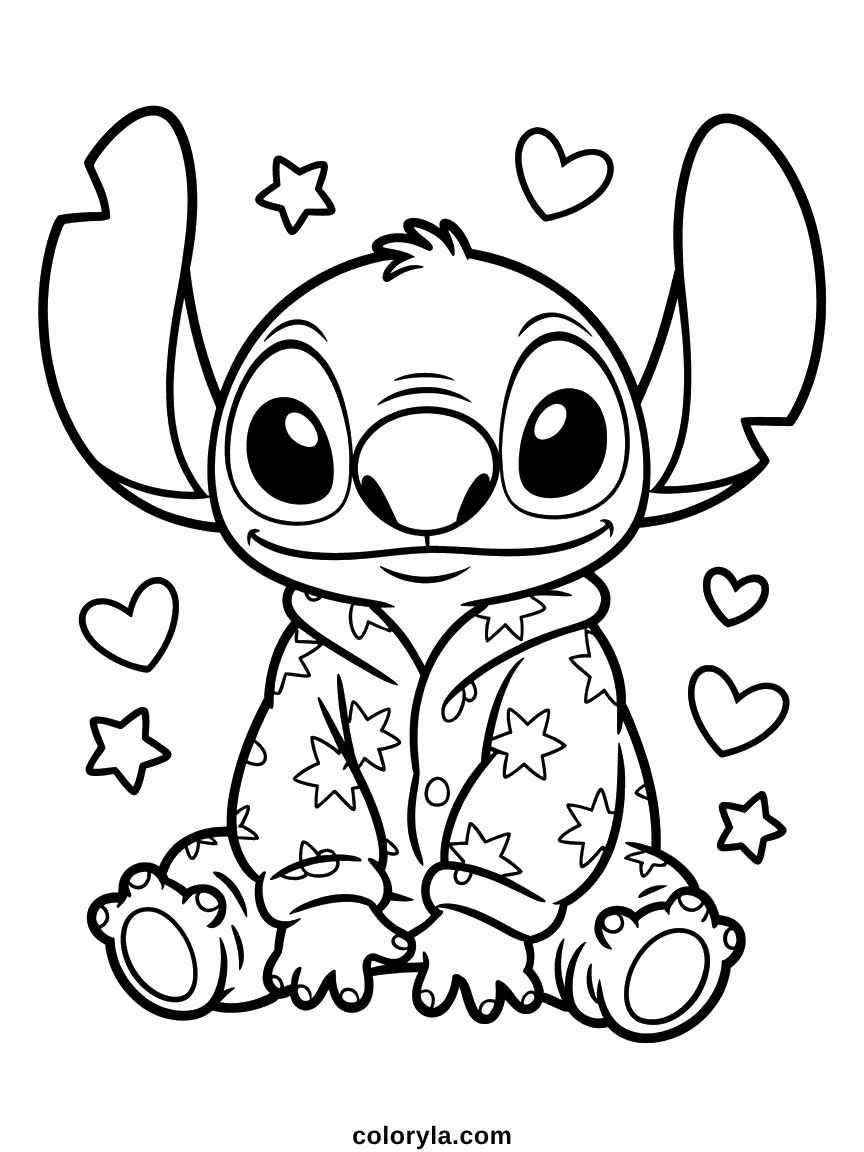
How it works
- 01
Pick a drawing
Choose any coloring page from the collections below. It opens straight in the coloring tool.
- 02
Click to fill
Select a color, then click or tap inside a shape. Switch to the brush for small details and fine lines.
- 03
Print or save
Print your colored version, or download it as a PNG. You can undo a step or start over at any point.
Why color online
Nothing is installed and nothing is uploaded. Your coloring stays on your own device, and you can print it or save it as an image whenever you like.
Nothing to install, nothing wasted
There is no app to download and no paper or ink spent while you experiment. Try a color, undo it, try another. A drawing can be recolored as many times as you like before you decide to print it.
Easier for small hands
Filling a shape takes one click instead of careful work with a crayon, so younger children end up with a finished picture they are proud of. The brush is there for the moments they want to add details themselves.
Your work stays yours
The coloring happens inside your browser. Nothing is uploaded, no account is created, and nothing is stored on our side. Close the tab and it is gone.
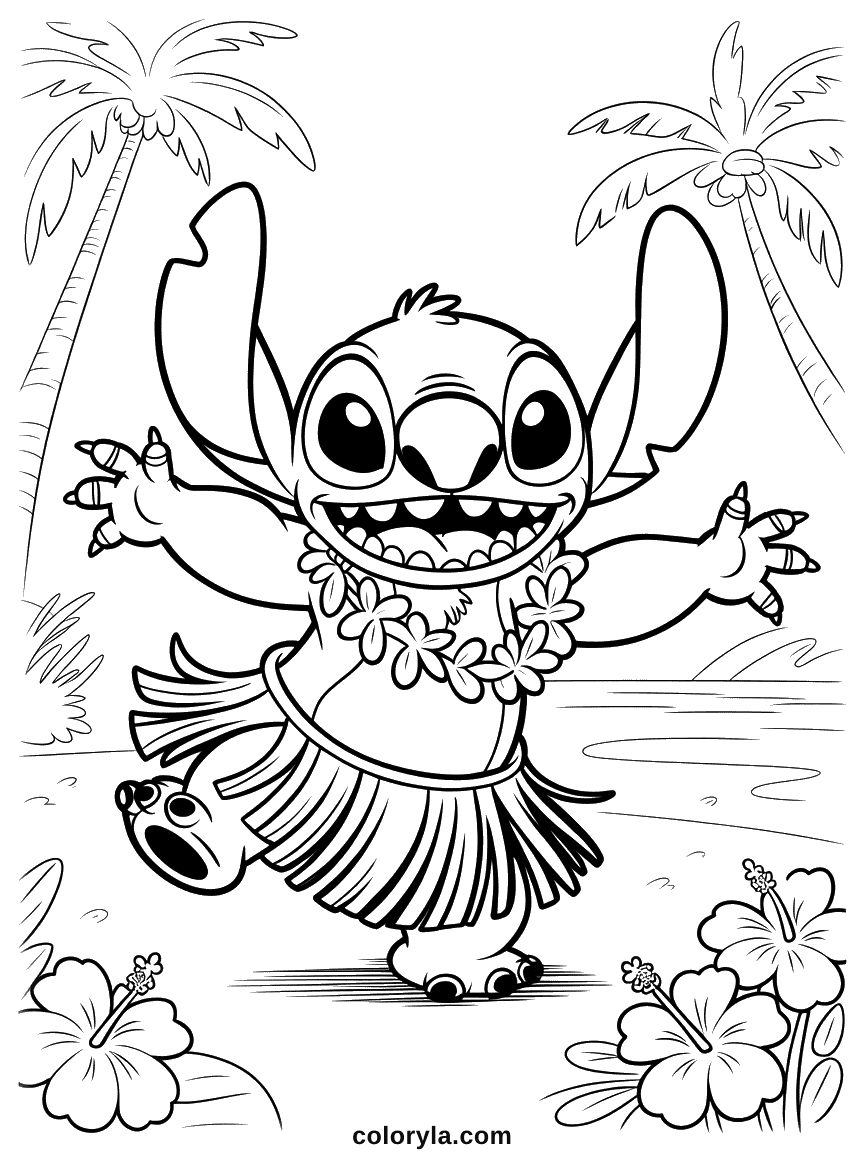
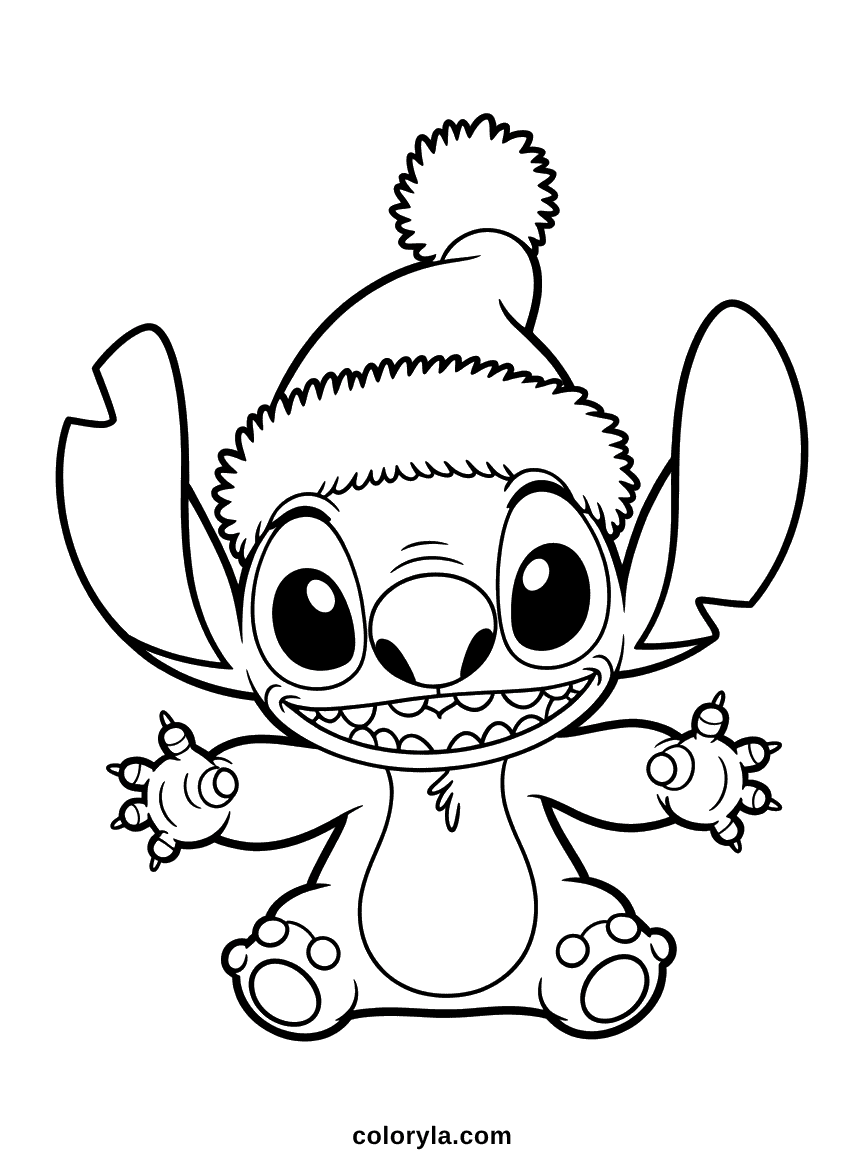
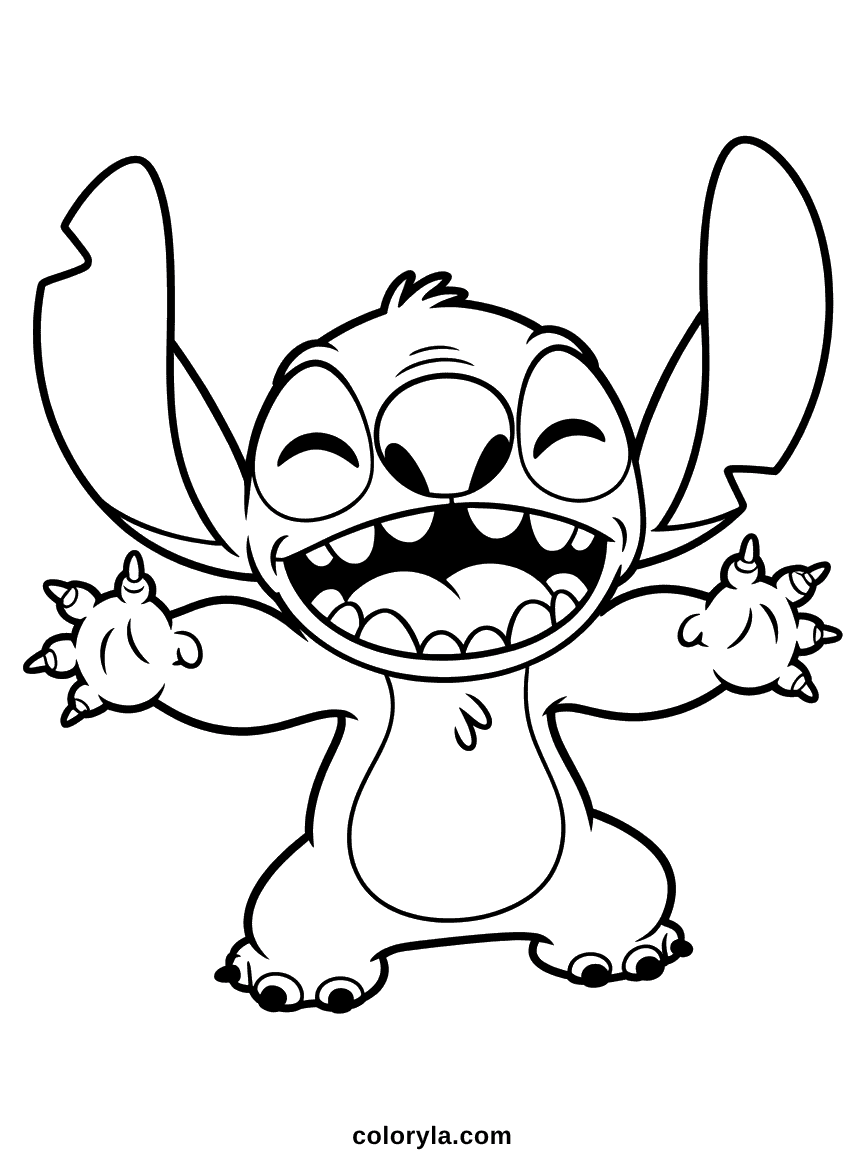
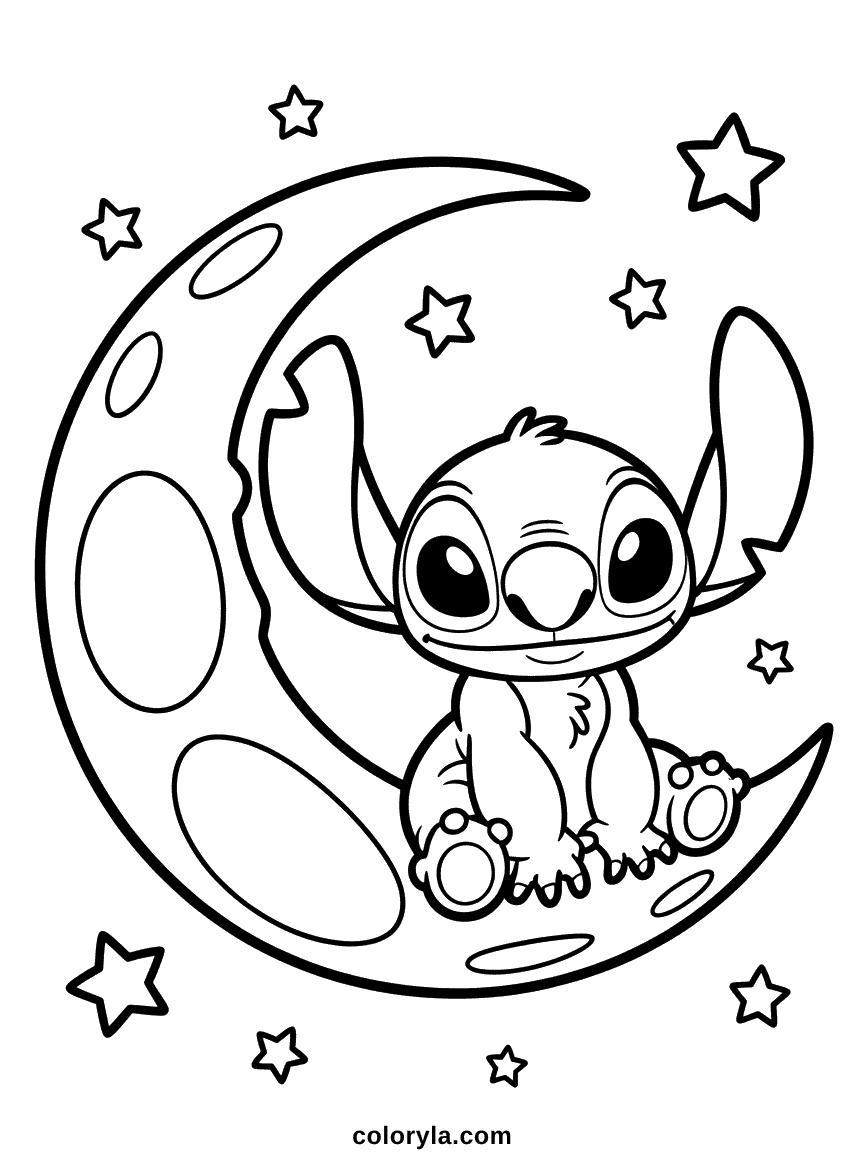
Stitch Coloring Pages to color online
See all 67 →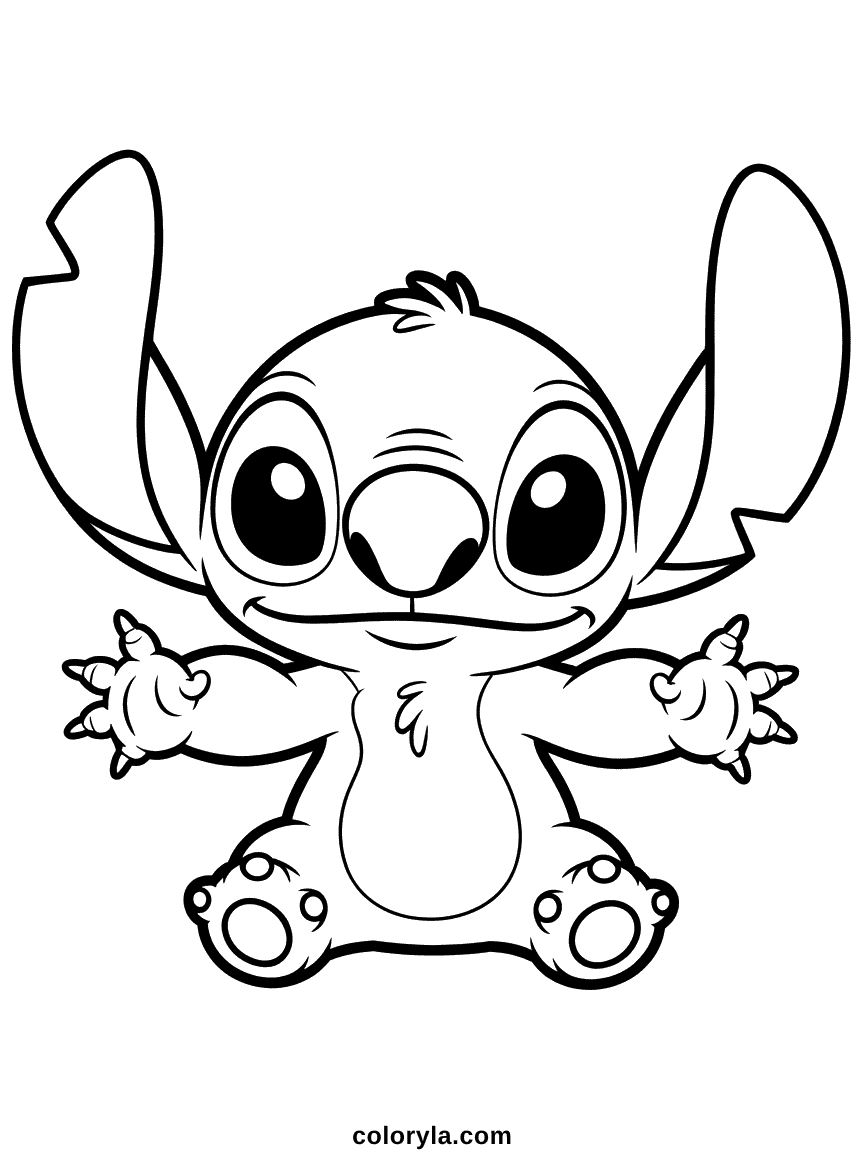
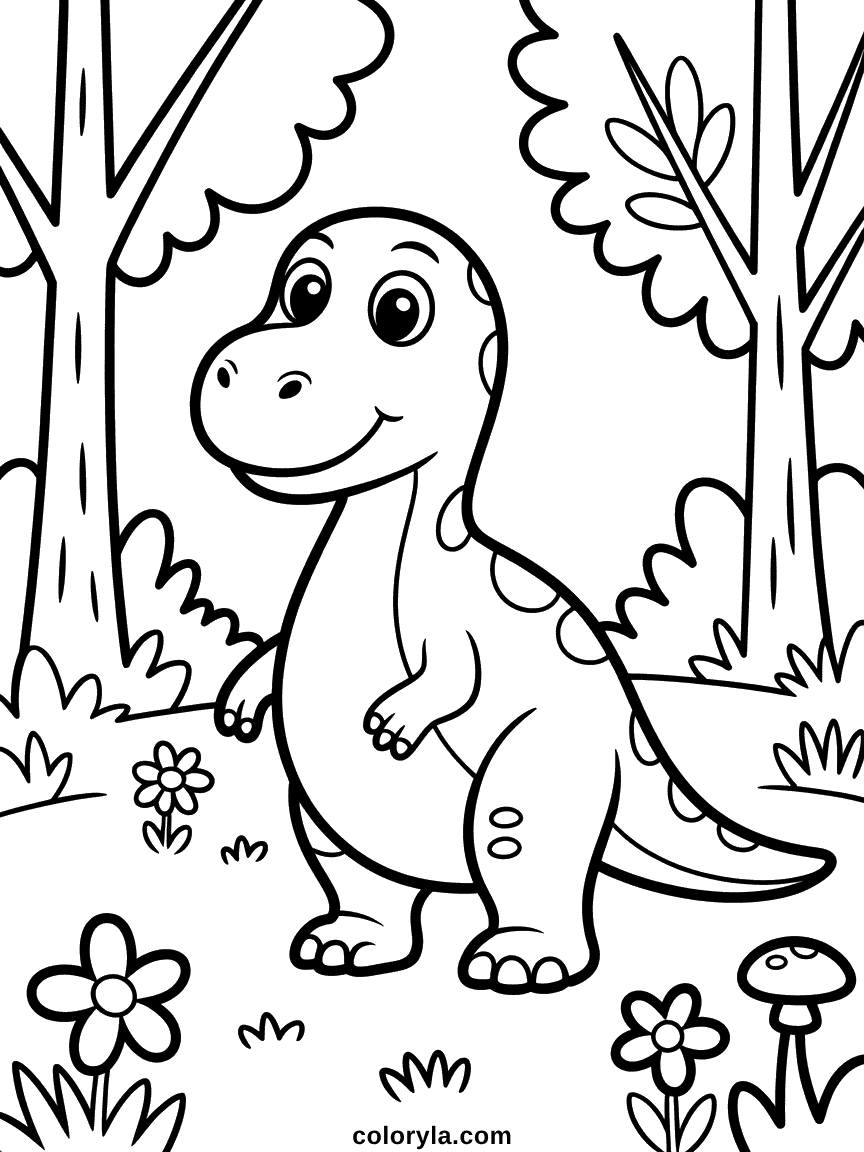
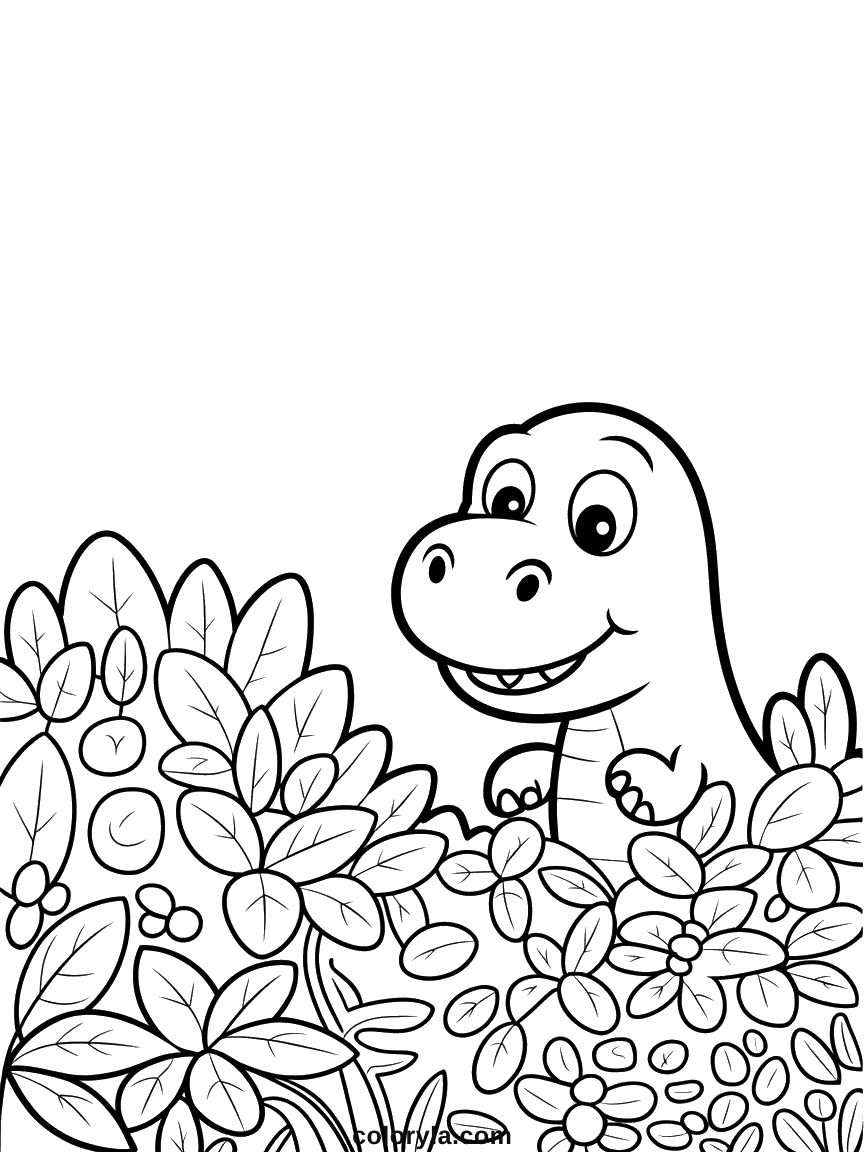
Dinosaur Coloring Pages to color online
See all 76 →
Hello Kitty Coloring Pages to color online
See all 89 →


Halloween Coloring Pages to color online
See all 138 →
Christmas Coloring Pages to color online
See all 24 →
Cat Coloring Pages to color online
See all 18 →

Pokemon Coloring Pages to color online
See all 18 →
Unicorn Coloring Pages to color online
See all 18 →
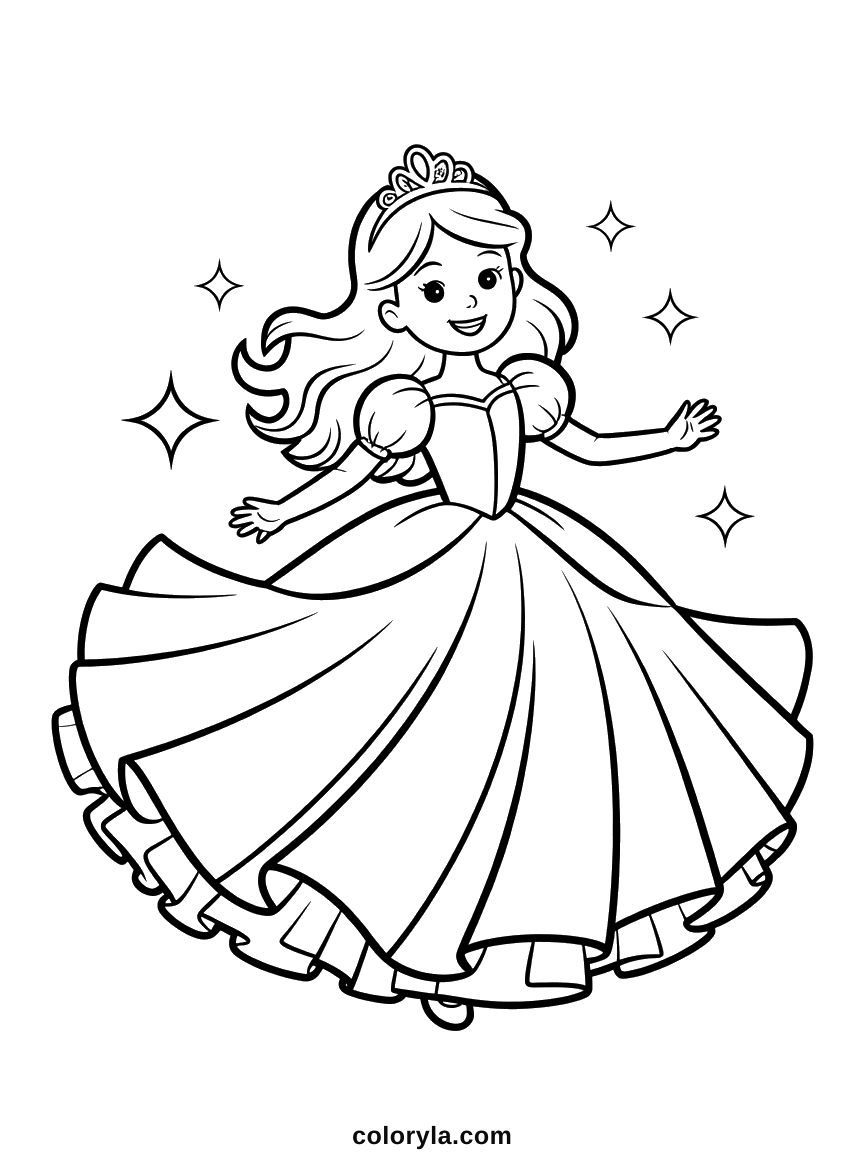
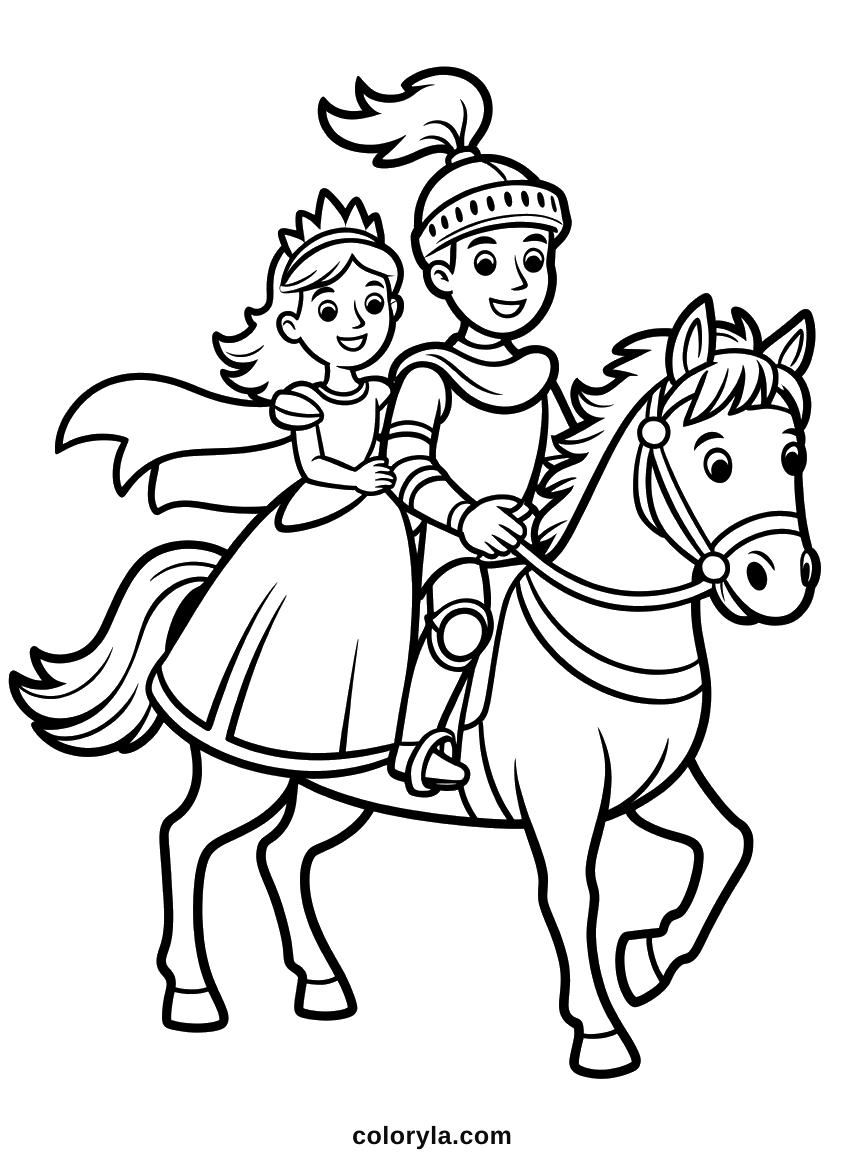
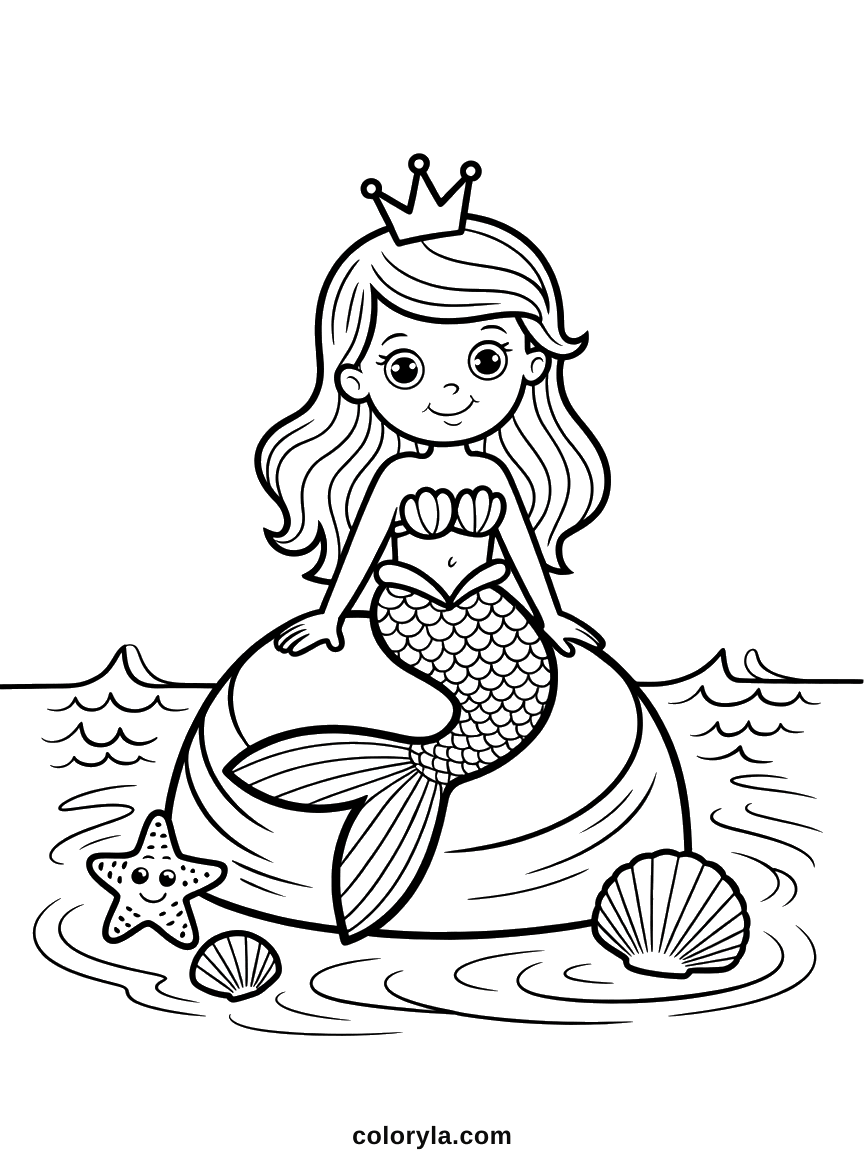
Princess Coloring Pages to color online
See all 16 →
Disney Coloring Pages to color online
See all 18 →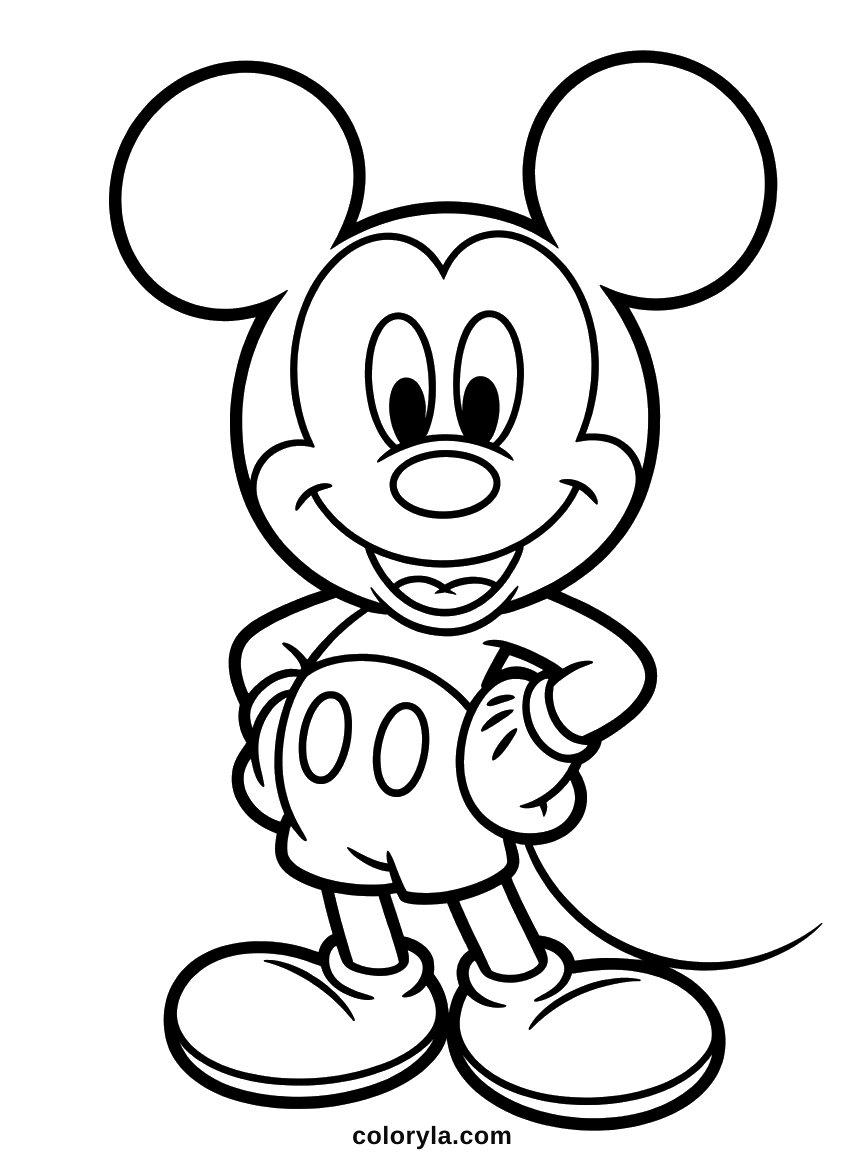
Tips for a better result
Start with the big areas
Fill the background and the large shapes first, then work down to the details. Judging a color is much easier once the areas around it are already filled.
Use the brush for tiny spots
Very small areas, an eye or a bow, are quicker to paint with the brush than to aim at with the fill tool. Lower the brush size for fine work.
If a color spreads too far
That means the outline has a small gap somewhere. Undo, then use the brush to close the gap or to color that area by hand.
Then print it properly
A colored page comes out best on plain white paper, at A4 or US Letter, with Fit to page ticked. See our full printing guide.
Prefer paper?
Every drawing here can also be printed blank and colored with pencils or felt tips. Both buttons sit side by side on each coloring page, so you can start on screen and finish on paper, or the other way round.
Browse all our coloring pagesFrequently asked questions
Is the online coloring tool free?
Yes. Every drawing on Coloryla can be colored in your browser at no cost, with no account to create and nothing to download.
Do I need to install anything?
No. The tool runs inside the page itself. Nothing is installed and your coloring is never uploaded, it stays on your own device.
Which drawings can I color online?
All of them. Every coloring page on Coloryla opens in the tool, across every collection, and new drawings are added to it automatically as the collections grow.
Can I print what I colored?
Yes. The print button sends your colored version to your printer exactly as it looks on screen. You can also save it as a PNG file to keep or share.
Does it work on a tablet?
Yes. Tap inside a shape to fill it, or switch to the brush and draw with your finger. A tablet with a stylus works particularly well for small details.
Is it suitable for young children?
Yes. Filling a shape is a single click or tap, which younger children manage easily on their own. A tablet is usually the simplest device for them, and there is nothing they can break.
Can I save my coloring and finish it later?
Not yet. Your work lives in the page while it is open, so download it as a PNG before closing the tab if you want to keep it. Reopening the drawing starts from a blank outline.